01
Sensitive fields
Password, token, API key, verification-code, payment-card, identity-number, and other semantic field labels.
Sensitive data detection
PrivacyShot combines page-aware field rules with local text patterns to surface likely sensitive information in the current web page. You stay in control of every final cover.
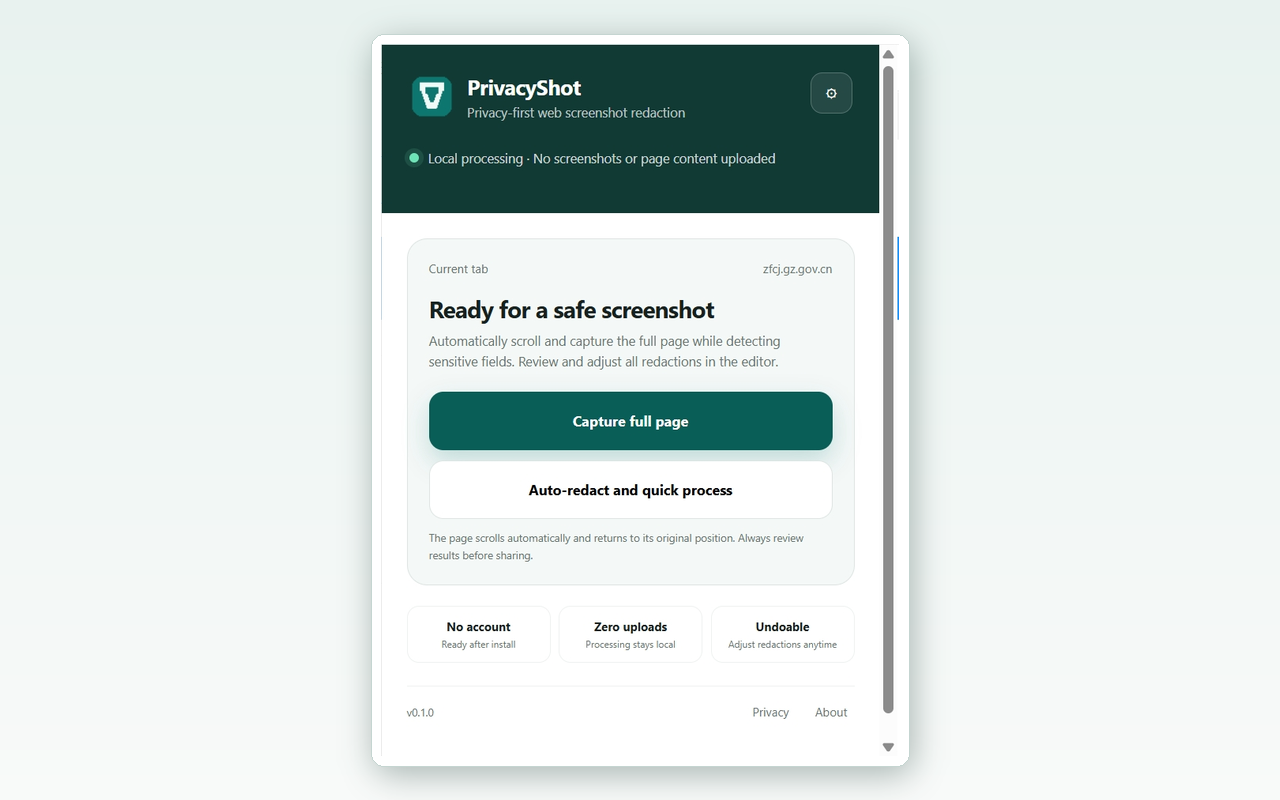
Local signals
PrivacyShot marks suspected content with local rules. It does not claim that a pattern match is a complete privacy audit.
Password, token, API key, verification-code, payment-card, identity-number, and other semantic field labels.
Mainland China mobile numbers, common email formats, identity-number candidates, bank-card candidates, and IPv4 addresses.
Add custom keywords or CSS selectors for internal project names, account labels, or business-specific fields. They remain local.
Human review stays in the loop
A page can contain context that no simple rule understands. PrivacyShot makes the likely areas visible so you can check the rest yourself.
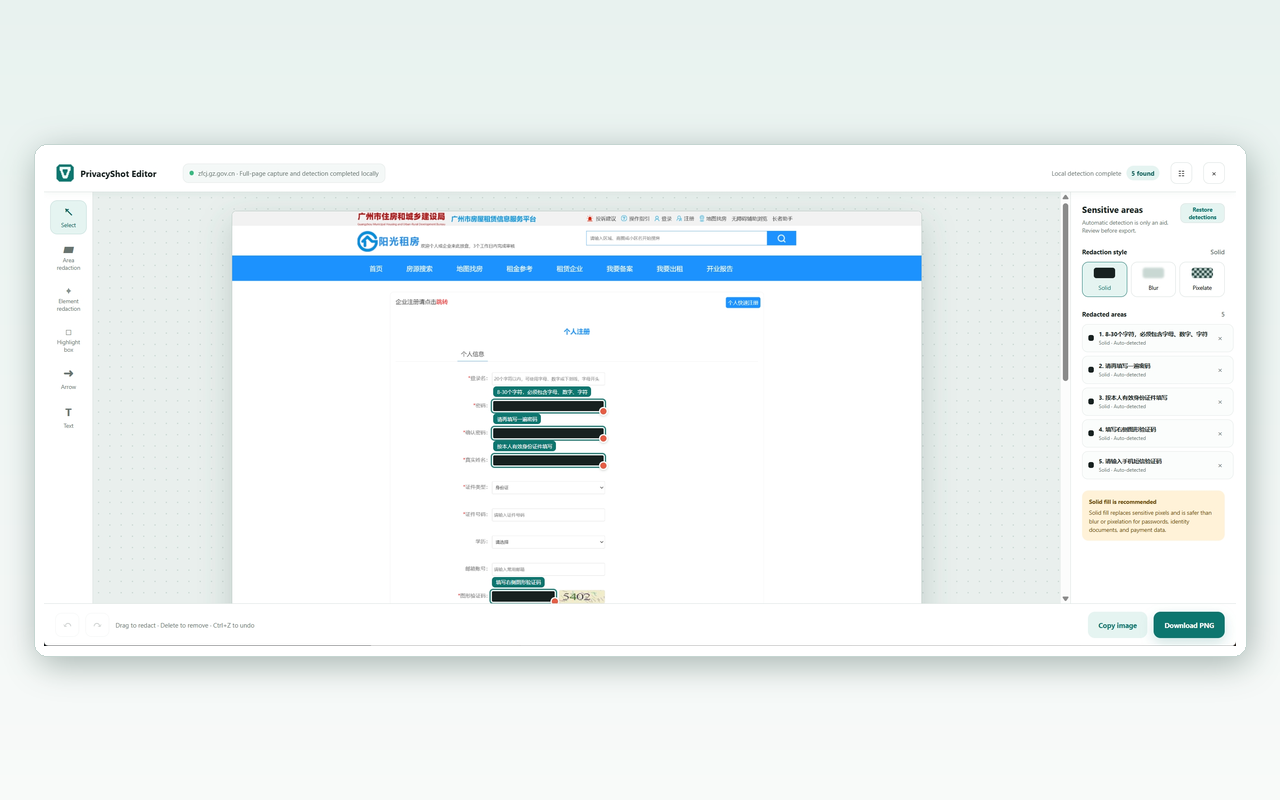
Capture locally, review the result, and share only the evidence that helps someone act.
Download PrivacyShot