PrivacyShot
- Capture one web page
- Redact likely sensitive data
- Copy or download a PNG
Privacy screenshot tool
PrivacyShot gives you a focused browser workflow for capturing a page, checking likely sensitive areas, and producing a clean PNG locally.
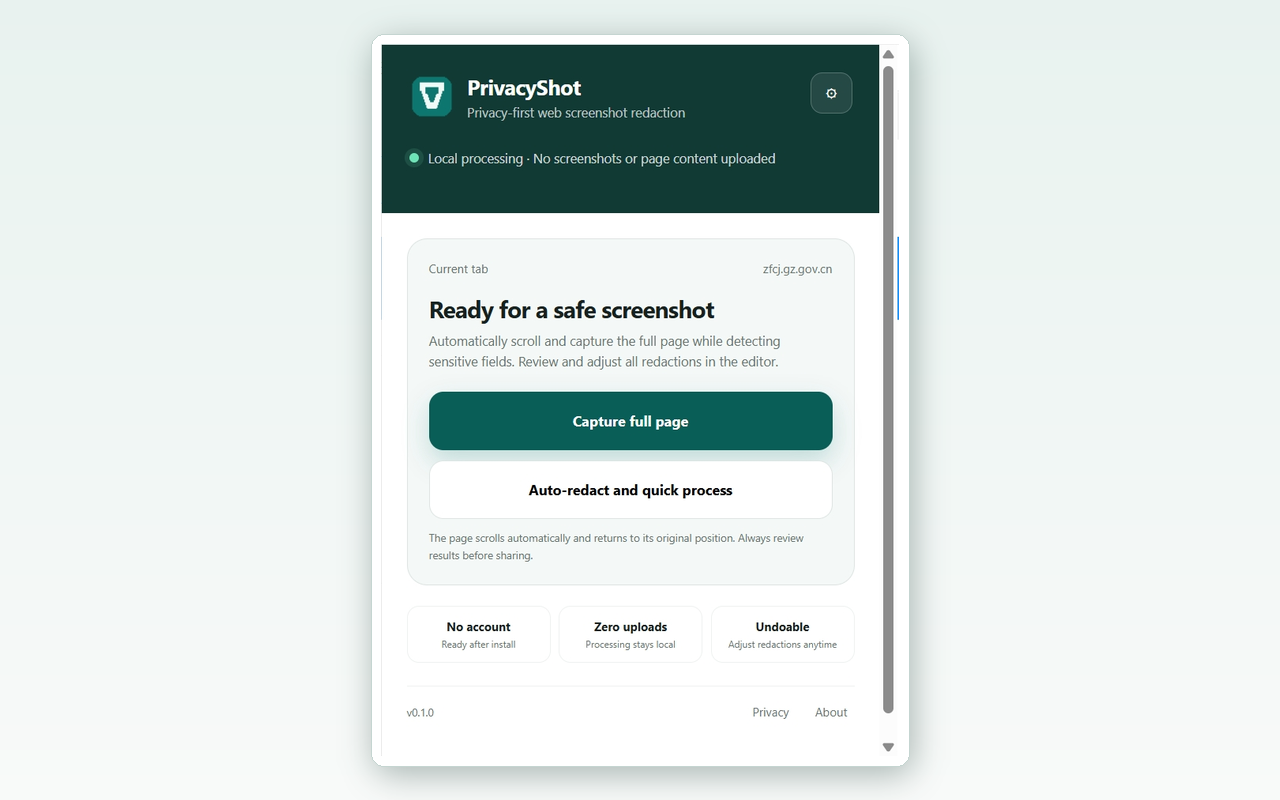
A short workflow
PrivacyShot stays close to the source page so you do not need to paste the screenshot into a separate online tool.
Start only when you choose to capture the current tab.
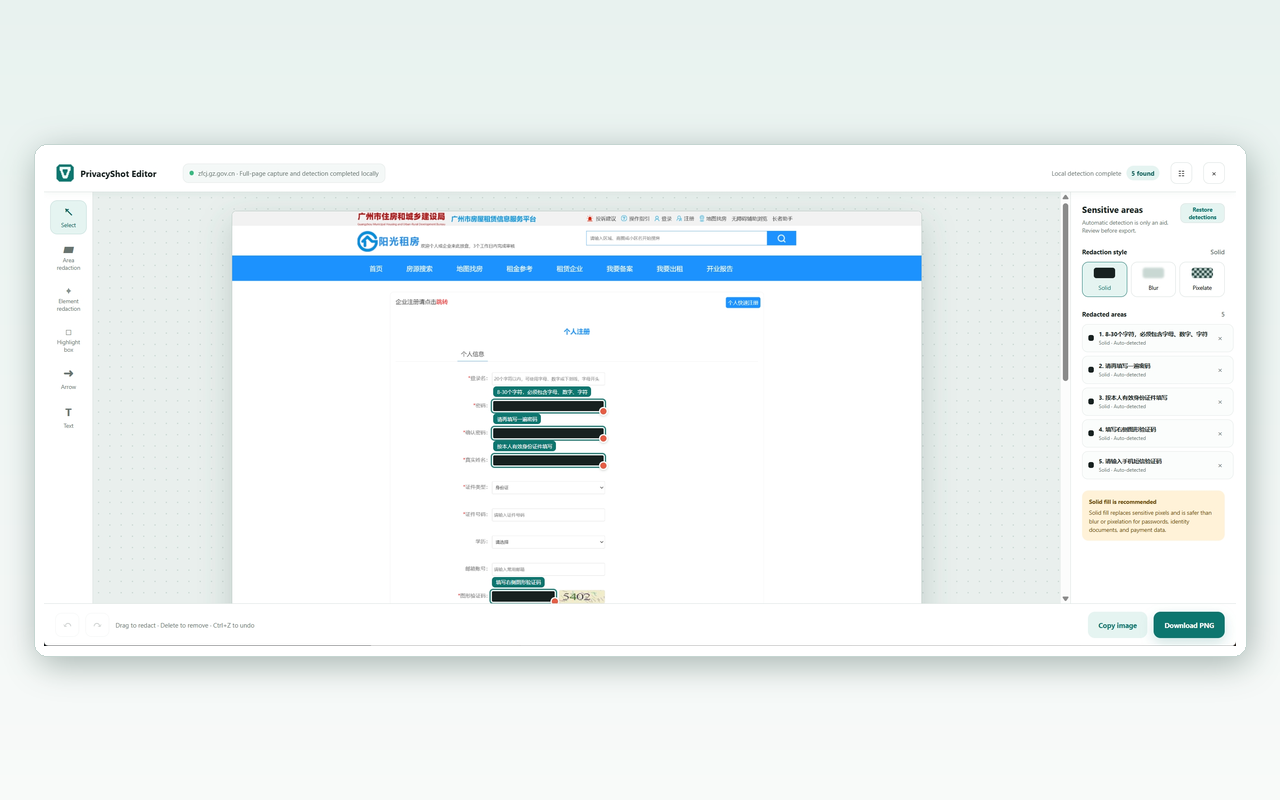
Suspected fields and text patterns are marked in the browser.
Remove false positives and add manual covers where needed.
Export the processed PNG after your final visual check.
Local-first by default
PrivacyShot does not need an account, screenshot history, cloud OCR, or remote image processing. Your settings stay in local browser storage.
Important: automatic detection is a prompt to review, not a promise that every secret has been found.
Keep the right boundary
PrivacyShot is for protecting an individual screenshot. For multi-step software documentation, use the related workflow capture product.
Download PrivacyShot and keep the redaction workflow in your browser.
Download free